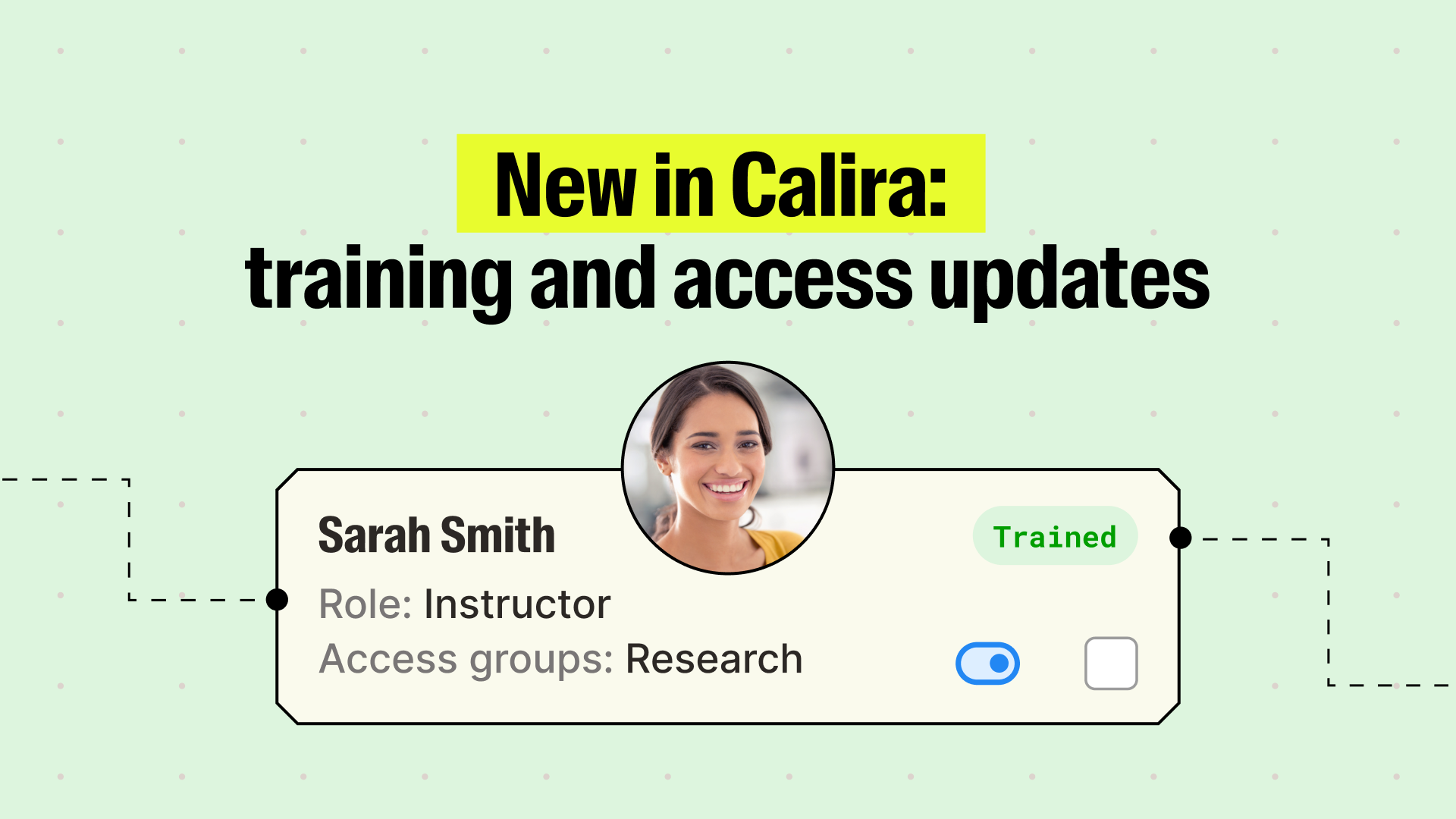
We’ve just made Calira even easier to use. The last few months have seen us focusing hard on some of the features that make the biggest difference to our lab users, and our latest batch of improvements target training and group bookings specifically.
Training status now updated for visibility
Managing training on complex, restricted equipment has always been possible in Calira, but now it’s easier to get a quick, clear view of who's trained on what, while giving researchers a way to act on their own training.
Find anyone’s training status in seconds. The training tab now supports filtering by user role and training status, plus a search bar for everything else.
Bulk edit training statuses. Once you've filtered down to the right group of users, you can update their training status in a single action instead of clicking through each person individually.
If a user isn't trained on an instrument, they can now see this and request to be trained.
Researchers can now request training themselves. A new button on each piece of equipment lets researchers request training directly. Administrators and instructors get notified immediately and can schedule the session. While a request is pending, the researcher's status shows as "Requested" instead of "Not trained".
Training status is more visible to researchers. They can now see their own training status directly on the equipment overview table.
It's now much easier to see who is and isn't trained on any one instrument.
Group bookings now easier to manage
Group bookings used to depend on one person because only that person could change the booking. If that person was out on leave, the whole group was stuck. This is no longer the case.
Any participant can now manage the booking. Previously, only the original booking owner could edit or reschedule a group booking. If that person was out of office, no one else on the booking could make changes. Now, any participant can edit a booking through a "cancel and reschedule" action that makes them the new owner of the updated booking (or booking series) and moves the previous owner into the participant list.
Everyone gets a calendar invite. The Outlook integration previously only created a calendar entry for the booking owner. Now every participant gets their own Outlook entry, which means fewer missed sessions and less manual chasing to confirm who's showing up.
You can now add participants after the booking is made. If you're running a training session and want to add people as and when they express interest, you can now add them to an existing group booking rather than needing to recreate it.
Group bookings can now be recurring. Running the same thing every week? Your booking just got a lot easier.
You can now make group bookings recurring.
Other quality of life updates
We’ve also shipped a batch of smaller changes based on customer feedback:
Bulk equipment editing for jobs like labelling many instruments at once
Configurable invite link expiry, instead of a fixed 30 days
Multiple contacts per instrument, shown on the details page and the overview table
Parent-child equipment now shows in search, not just the parent
Booking notes sync to the Outlook event description
Announcements can be filtered by role and training status
More on the way
We are already working on the next batch. Keep your eyes peeled for even more updates!
If you think you or your team might find any of these features useful in your lab, site, or across your wider organisation, we’d be happy to give you a live demo and show you how the wider Calira platform works. You can click here to book a half hour call with a member of our team.