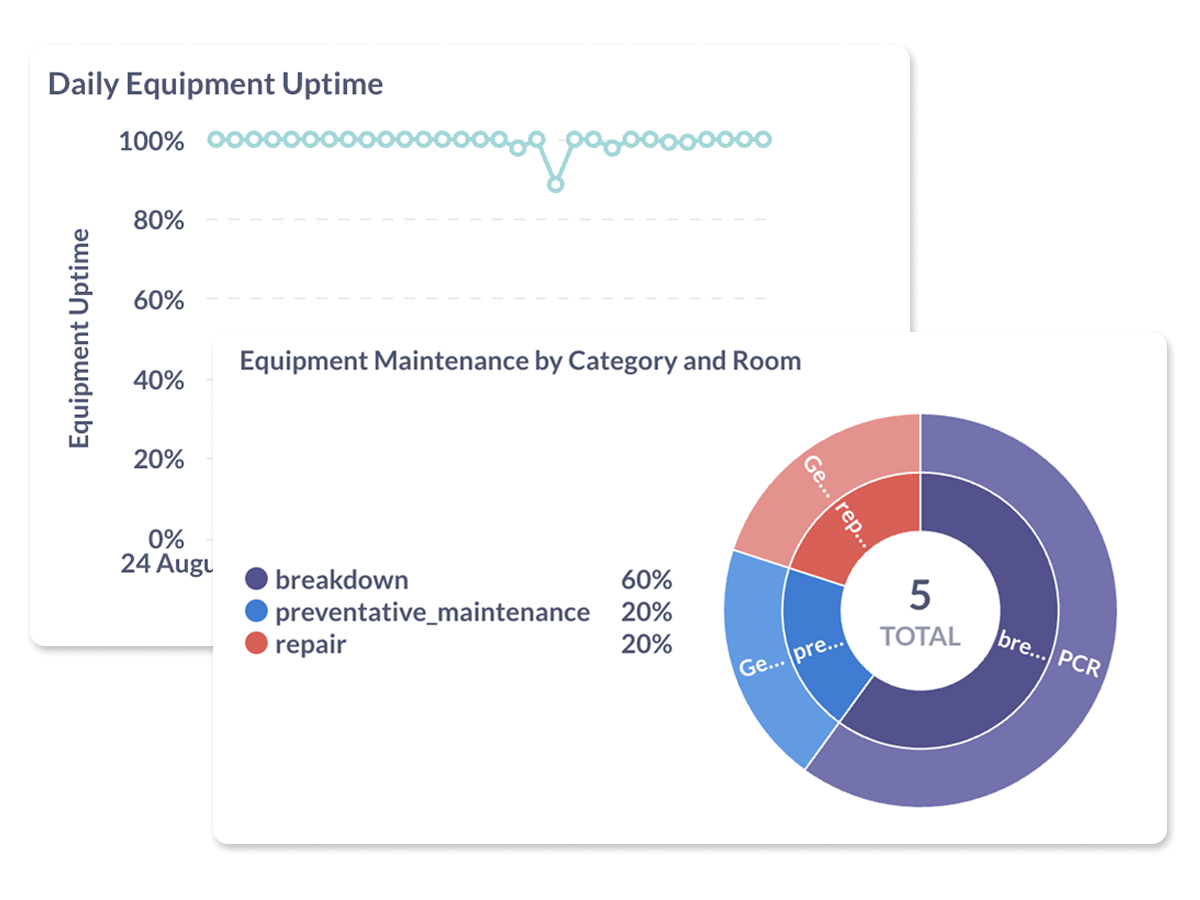
Reduce downtime through better maintenance scheduling, tracking, and access controls.
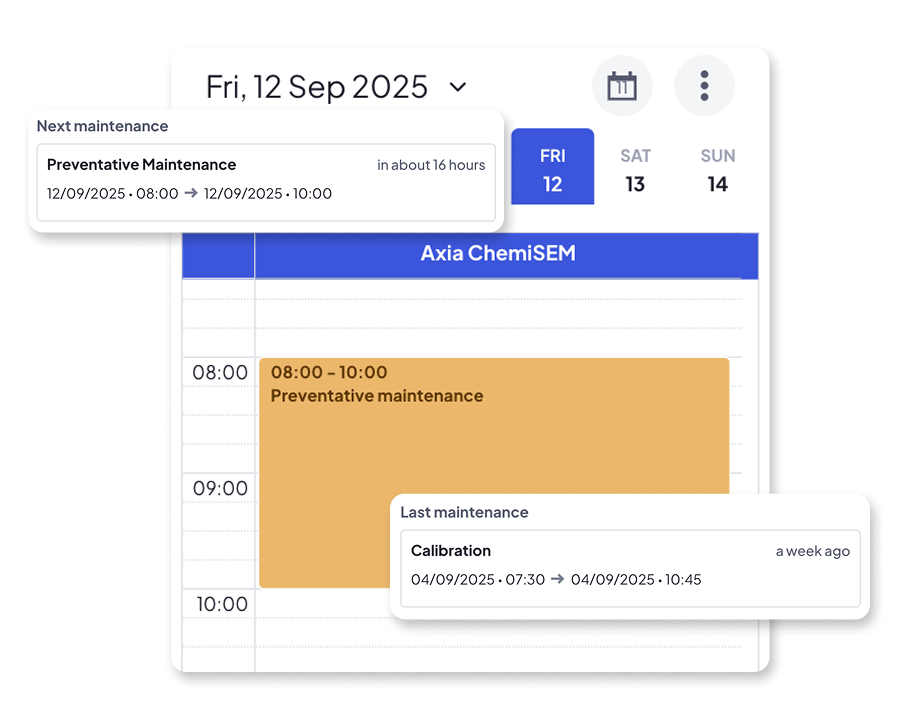
Use a built-in calendar to schedule and display planned service events. Helps labs coordinate around downtime and extend equipment lifespan.
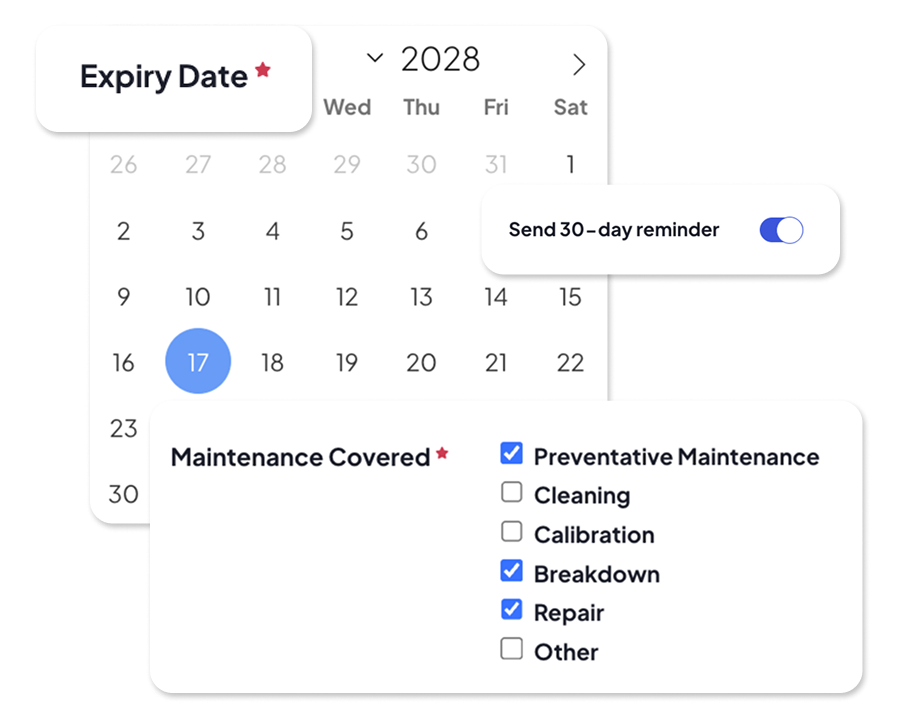
Attach contracts and get notified before expiry. Keep vendors and lab staff aligned on service timelines and avoid accidental lapses.
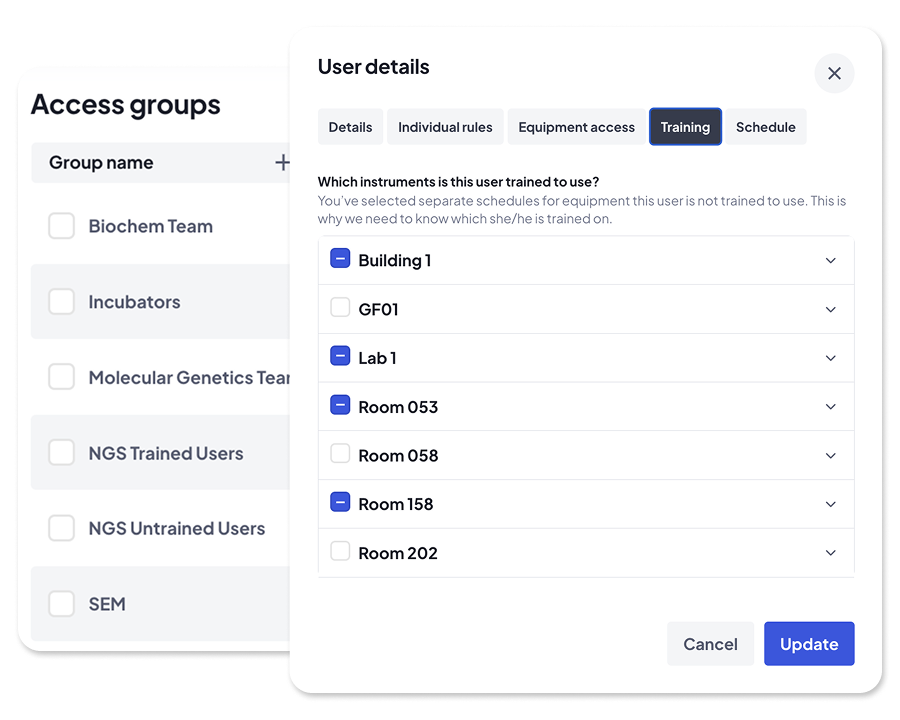
Segment users by training, pricing model, or equipment access level. Set the rules once and reduce misuse across sensitive or high-priority instruments.


Replace spreadsheets and uncertainty with a searchable, manageable directory of all your R&D equipment.

An easy, visual way to book equipment that keeps track of availability, reduces conflicts, and helps teams plan their work.

Make confident decisions with clean usage data so you can see what's being used, what isn't, where, and why.

Schedule and block off equipment for maintenance and calibration, assign tasks to contractors, and keep everyone in the loop.

Assign roles, invite new users, enforce training rules, and scale user access without losing oversight.
Keep everyone aligned and on time with booking reminders, maintenance alerts, calendar sync, and lab-wide announcements.
“We get an extremely granular view of how every piece of equipment is being used down to the exact minute.”


“Without it, we probably would have bought more kit than we really needed. Calira gave us the visibility to see where we could share or reallocate instead.”

“The most valuable aspect is the visibility among the users—knowing what’s available to book. From a LabOps perspective, it’s become our record management system for servicing, embedded into our SOPs.”


“Calira helped us improve our equipment usage and planning processes within our teams. It's also handy for me to have oversight of the utilization of our instruments.”


"Calira has improved the process of booking laboratory equipment in our R&D teams, created visibility across teams, improved insight into real time equipment status and allowed us to gather data for equipment usage with ease.”

"I haven't needed to log in in the last two weeks to sort anything out. Scheduling runs quite a lot smoother now."


Calira reduces downtime by combining scheduled maintenance, service contract alerts, and access controls in one place. You can plan preventative maintenance on a shared calendar, get reminders before service contracts expire, and restrict instrument access to trained users so problems are caught early rather than triggering unplanned breakdowns.
Yes. You can schedule maintenance activity on the lab calendar by selecting the instrument, dragging a time slot, and switching the booking type from 'Use' to 'Maintenance'. You can specify the activity type (cleaning, recalibration, preventative maintenance) and the slot blocks users from booking during that window.
For unplanned breakdowns, you can send an equipment-related announcement so affected users are notified immediately. Announcements can also block the instrument in the booking calendar, preventing users from creating new bookings against an instrument that isn't available.
Yes. With the Training feature enabled, admins mark users as trained or untrained on specific instruments. Untrained users can be prevented from booking, and for sensitive equipment, you can combine this with LabTrack to block PC access entirely unless the user is both trained and has a valid booking.
Yes. Every maintenance activity is logged against the instrument on its Maintenance tab, including type, notes, and who completed it. Over time this gives you a full and searchable history, useful for identifying instruments that fail repeatedly and need replacement, renegotiated service terms, or closer preventative-maintenance attention.


We know that every lab is different. Our team has years of experience in the lab and can answer any question you have and demo the whole platform in less than thirty minutes.