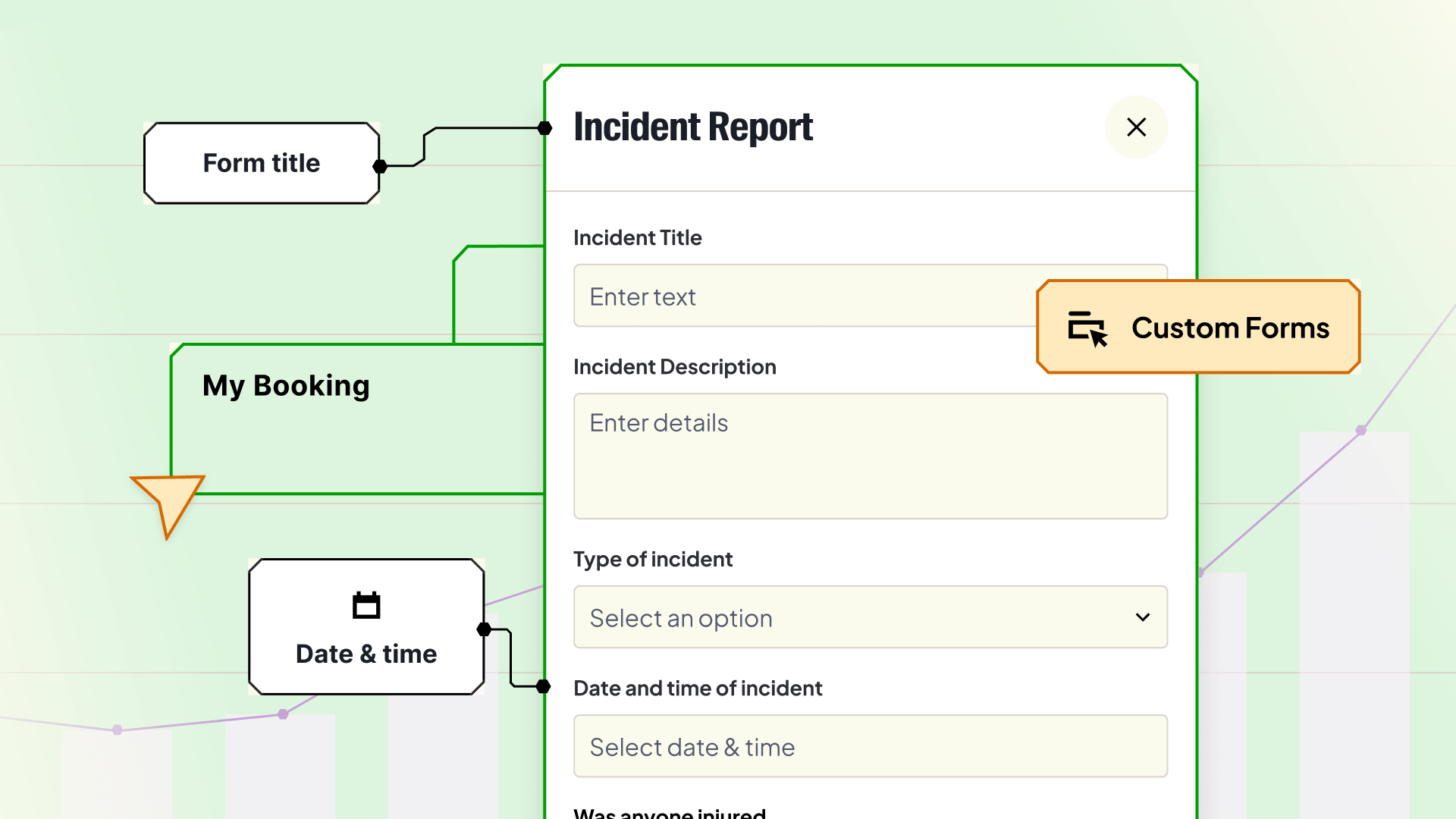
One platform for booking, maintenance, access control, and usage tracking across your entire lab equipment portfolio.

Replace spreadsheets and uncertainty with a searchable, manageable directory of all your R&D equipment.

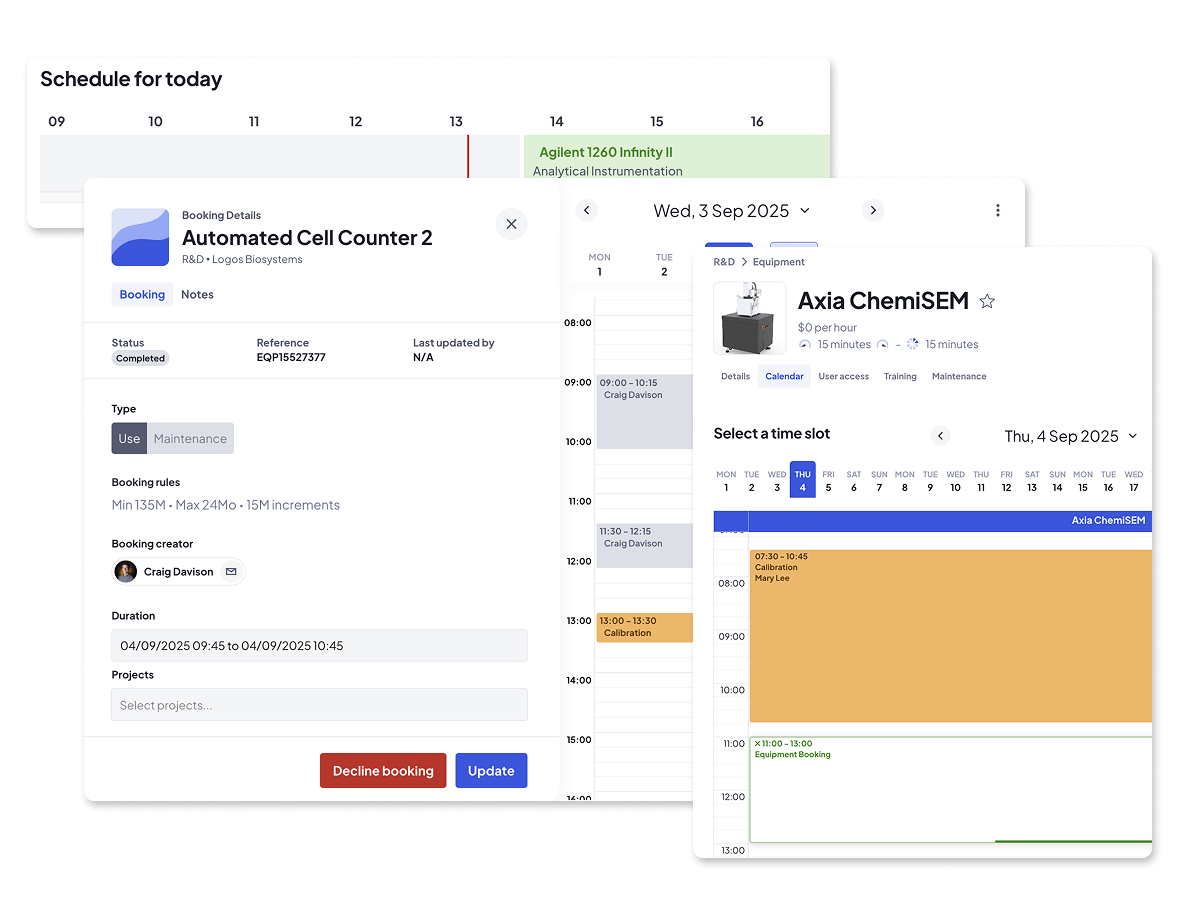
An easy, visual way to book equipment that keeps track of availability, reduces conflicts, and helps teams plan their work.

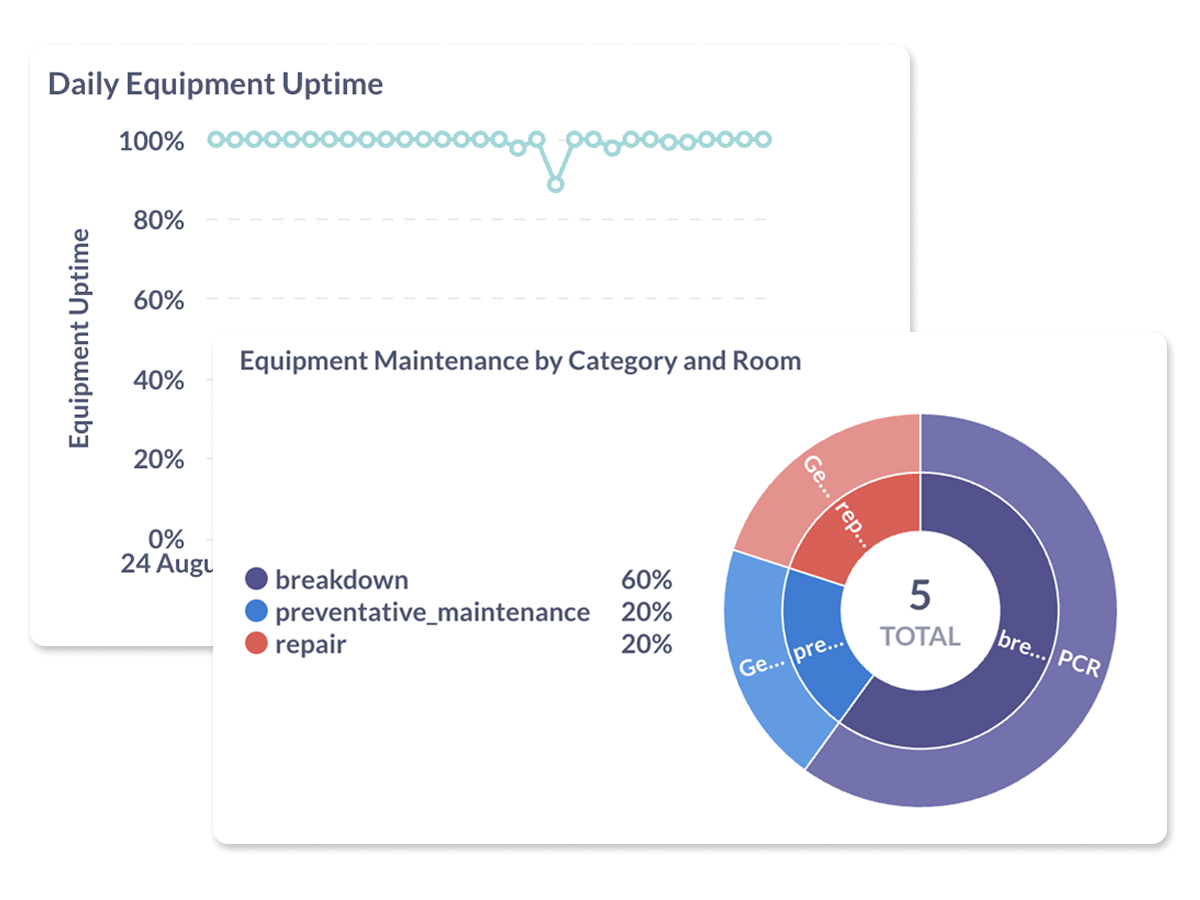
Make confident decisions with clean usage data so you can see what's being used, what isn't, where, and why.
Schedule and block off equipment for maintenance and calibration, assign tasks to contractors, and keep everyone in the loop.

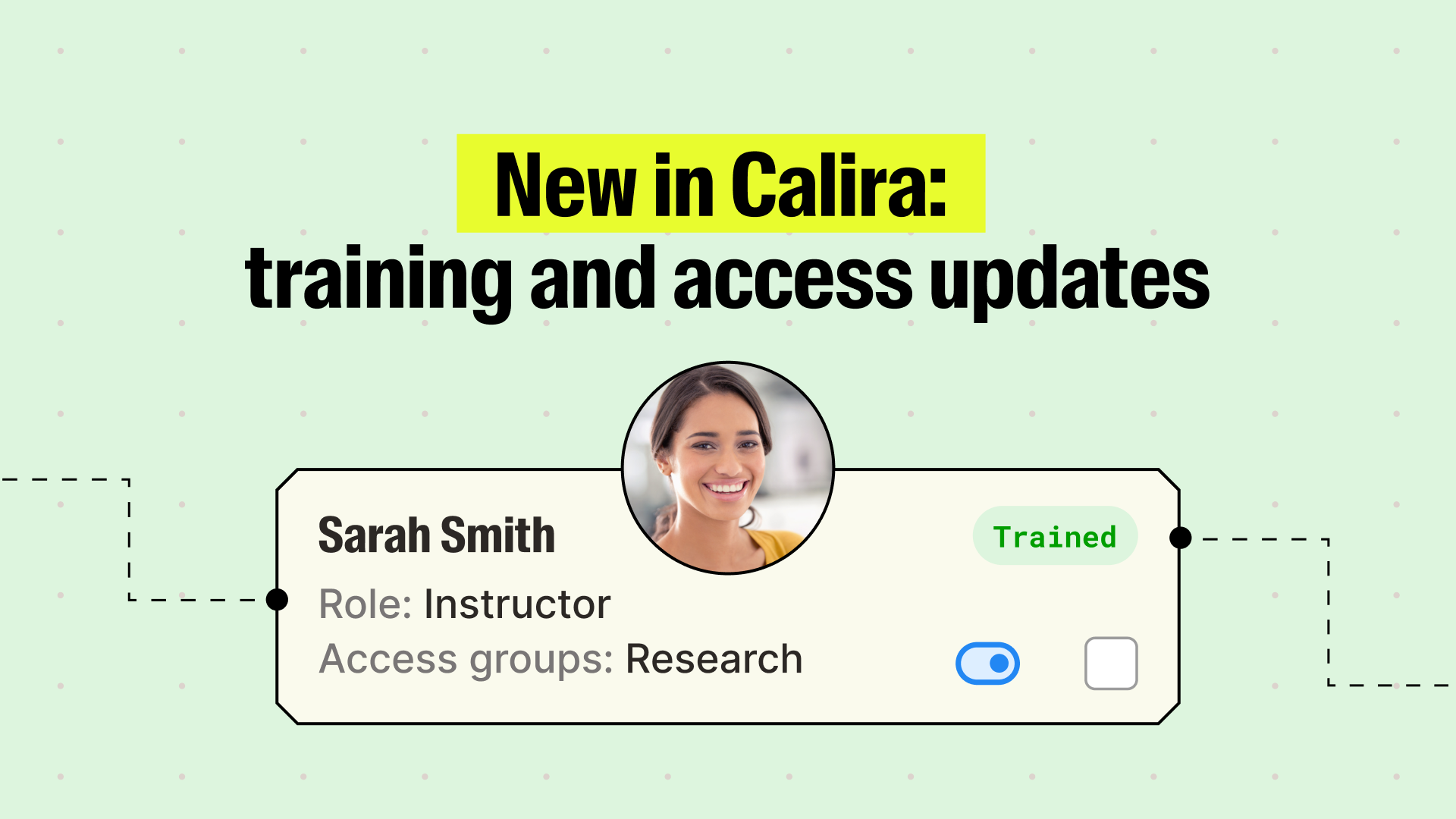
Assign roles, invite new users, enforce training rules, and scale user access without losing oversight.
Keep everyone aligned and on time with booking reminders, maintenance alerts, calendar sync, and lab-wide announcements.

Calira integrates with your scientific systems including ELNs, calendars, SSO, and IoT sensors.
.png)
LabTrack™ installs onto equipment-connected PCs to track real-time use.

Whether you’re setting up your lab, resolving an issue, or just looking to get more detail, we've got what you need.
See Calira system status and uptime for the API, app, and website now and over the last 90 days.

You can add instruments one at a time (by entering the category, type, manufacturer and model), or upload many at once by downloading the multiple-equipment CSV template, populating it with your inventory, and importing it. Bulk upload is the fastest way to stand up a full lab inventory from an existing spreadsheet.
Yes. Each instrument in Calira has its own detail page where you can attach documents, images, safety information, and other metadata. This turns the software into a single source of truth, so SOPs, manuals, and safety sheets live alongside the equipment record rather than in scattered folders.
Yes. You can apply labels by function, location, or access group, making it straightforward for users to find the right instrument. Labels also make filtering and reporting more accurate as your inventory grows.
Yes. Calira supports parent-child equipment hierarchies. For example, an incubator registered as a parent with individual shelves as children, or a liquid handler with multiple decks. Users can then book just the subcomponent they need, which improves utilisation on shared assets.
Yes. You can set access rules at the individual user level or, more commonly, by creating groups that control which users can see and book specific instruments. Combined with the Training feature, you can also restrict booking to users who have been marked as trained on a given instrument.


Calira helps LabOps teams schedule, maintain and manage scientific equipment in one lab or many, without spreadsheets or guesswork.