

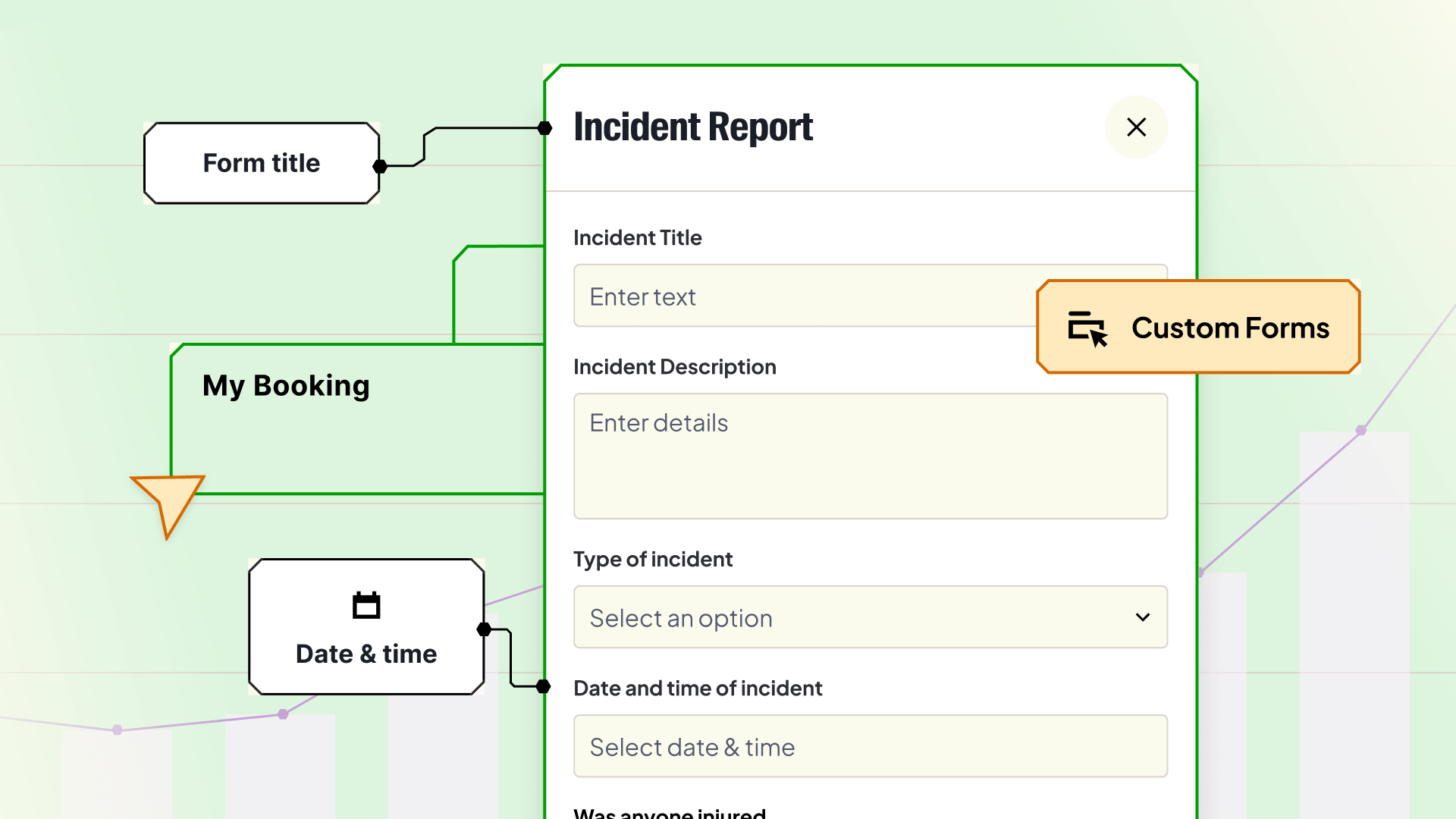
Custom forms let lab administrators and instructors build structured forms that attach directly to equipment bookings.

When someone books a piece of shared equipment, the booking itself only tells you so much: what got booked, who’s using it, and when. It doesn’t tell you what sample they’re bringing in, whether it needs special handling, what consumables the technician should have ready, or whether anything went wrong during the session.
Labs have always needed to capture this kind of information. Many do it through a combination of paper forms, email threads, shared spreadsheets, and informal messages. None of these are connected to the booking or structured, and when something goes wrong or someone asks a question later on, that’s when gaps can appear.
Custom forms fix this.
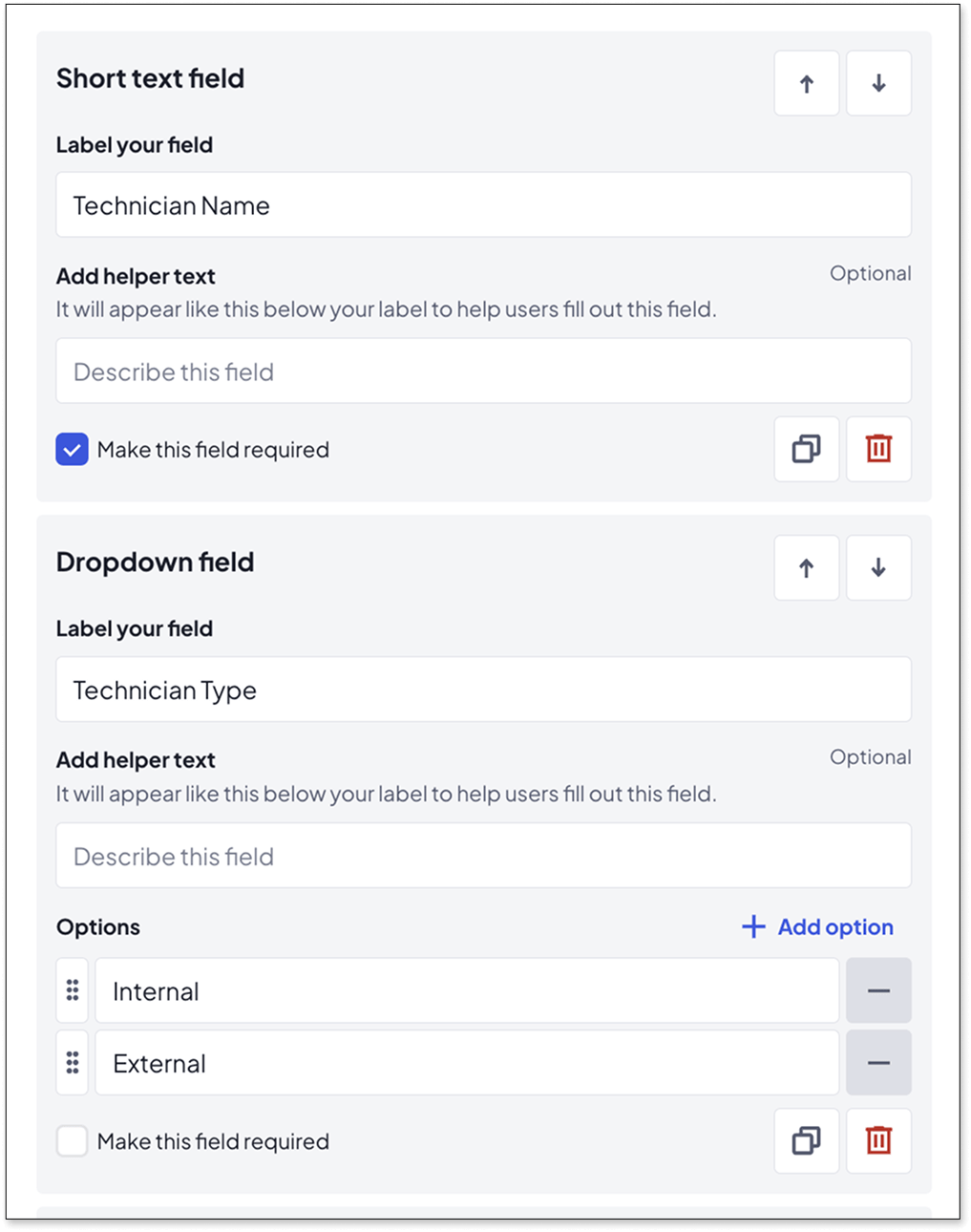
Custom forms let lab administrators and instructors build structured forms that attach directly to equipment bookings. You decide what fields to include, which equipment they apply to, and whether completion is optional or required.
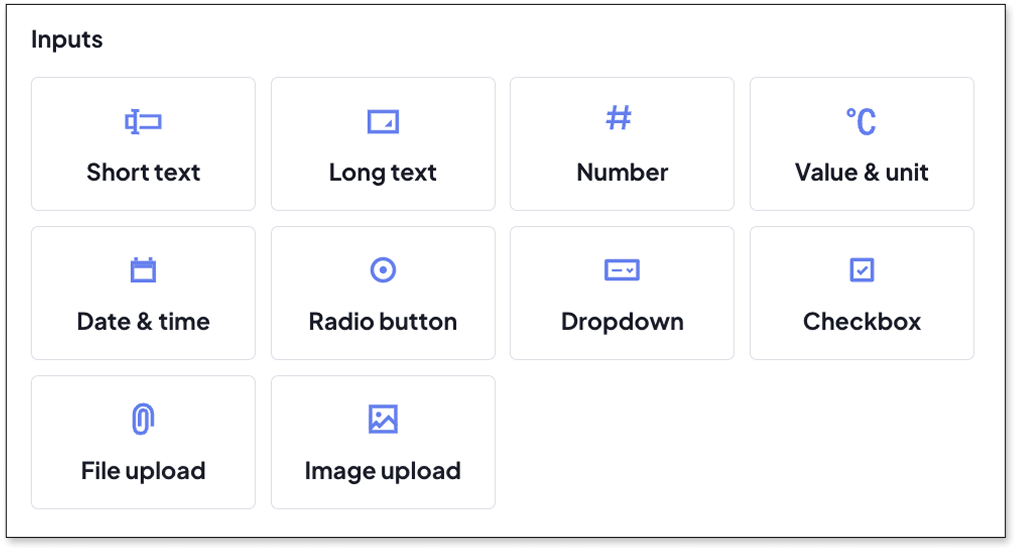
Forms are created through a simple drag-and-drop builder. Supported field types include:
While any user can complete forms, only admins and instructors can build them. This keeps data consistent across teams, sites, and instruments.
You can also control when completion is enforced:
This same feature can support many different workflows. Here are the ones we hear about most:
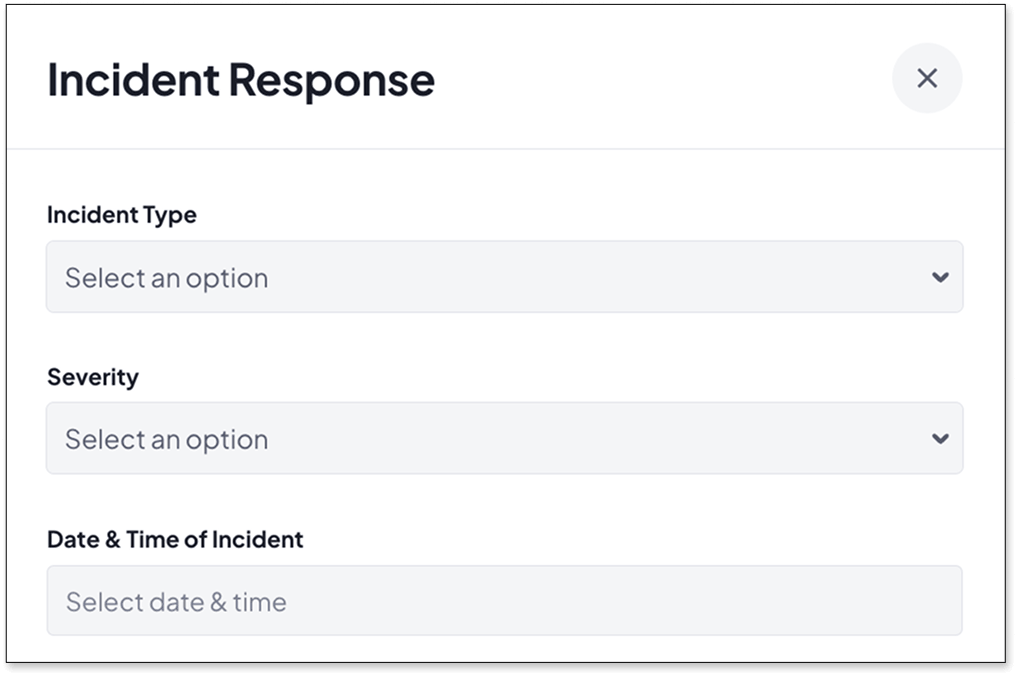
Incident reporting. A user notices something wrong mid-run. With a custom form attached, they can log what happened, describe what they did, and attach photos. All of this can happen at the bench, directly within the booking, without needing to chase people later for details.
Maintenance and calibration records. When a technician completes a calibration, they can fill in the outcome, attach the certificate, and link it to that instrument permanently. No separate spreadsheet, no risk of records getting misplaced.
Sample and hazard declarations. Before booking an instrument for work with a hazardous sample, users can complete a safety form which can include hazard details, PPE required, and disposal instructions. Mandatory enforcement means it can’t be skipped.
Setup and consumables. Specify HPLC column type, method variant, solvent requirements, or other setup parameters before the session begins. The technician sees it long before they’re standing in front of the instrument.
Training confirmation. Require users to confirm training completion and attach evidence on their first booking. It’s a simple way to enforce access controls without manual checks.
There’s a bigger picture here beyond any single workflow.
The problem with collecting operational data outside a booking system is that it is, by definition, disconnected. You end up with information scattered across inboxes, shared drives, and paper records that can’t easily be searched, reported on, or used to support decisions.
Custom forms change where that information lives, capturing it within the booking and attaching it to the instrument at the moment it’s relevant. Over time, this builds a structured operational record; one that can support audits, inform maintenance schedules, and contribute to the utilisation and performance data your lab is already collecting in Calira.
For labs thinking about AI-readiness, or just trying to get cleaner data out of their operations, this is part of the foundation.
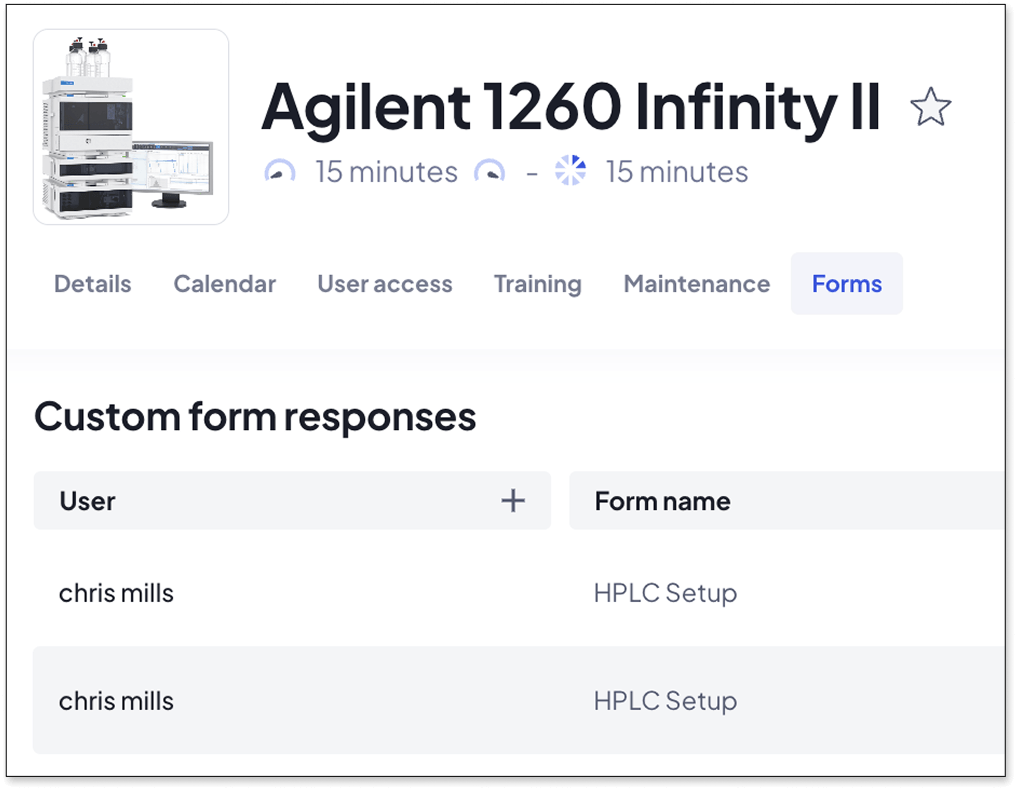
We built this feature because of real feedback from our existing customers. They’re now using it in labs just like yours, and we’re already building what’s next.
Do you think you or your team might find this useful? We’d be happy to give you a live demo and show you how the wider Calira platform works. You can click here to book a half hour call with a member of our team.


