
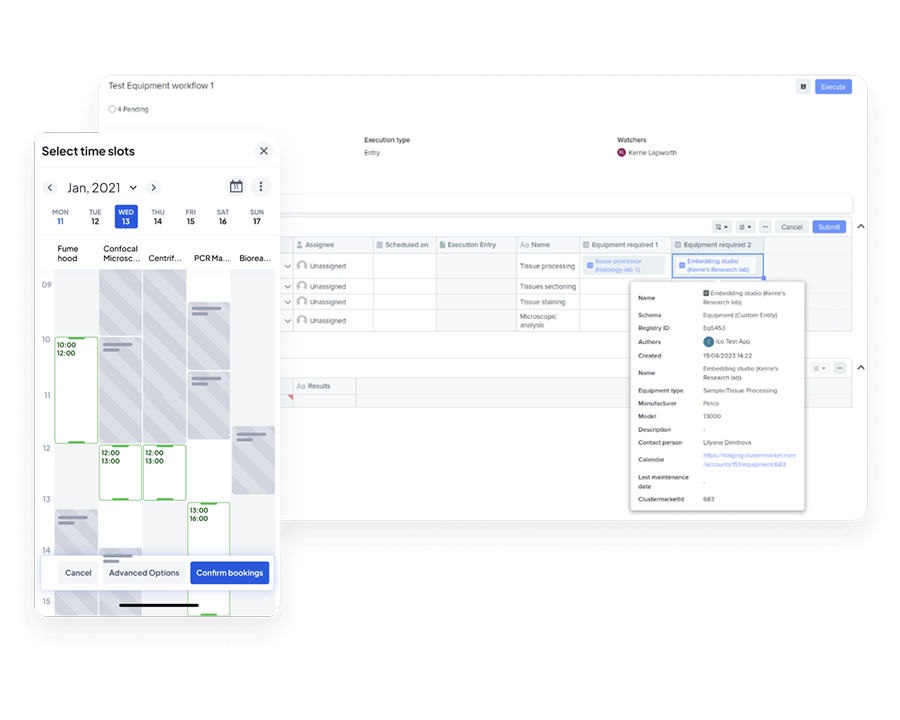
Sync equipment information, book equipment directly from Benchling, and import equipment information into your experiment notes on the Benchling Notebook.

Automatically add and update equipment information from Calira on the Benchling system and create bookings directly in your Calira equipment calendars via the calendar links in Benchling.
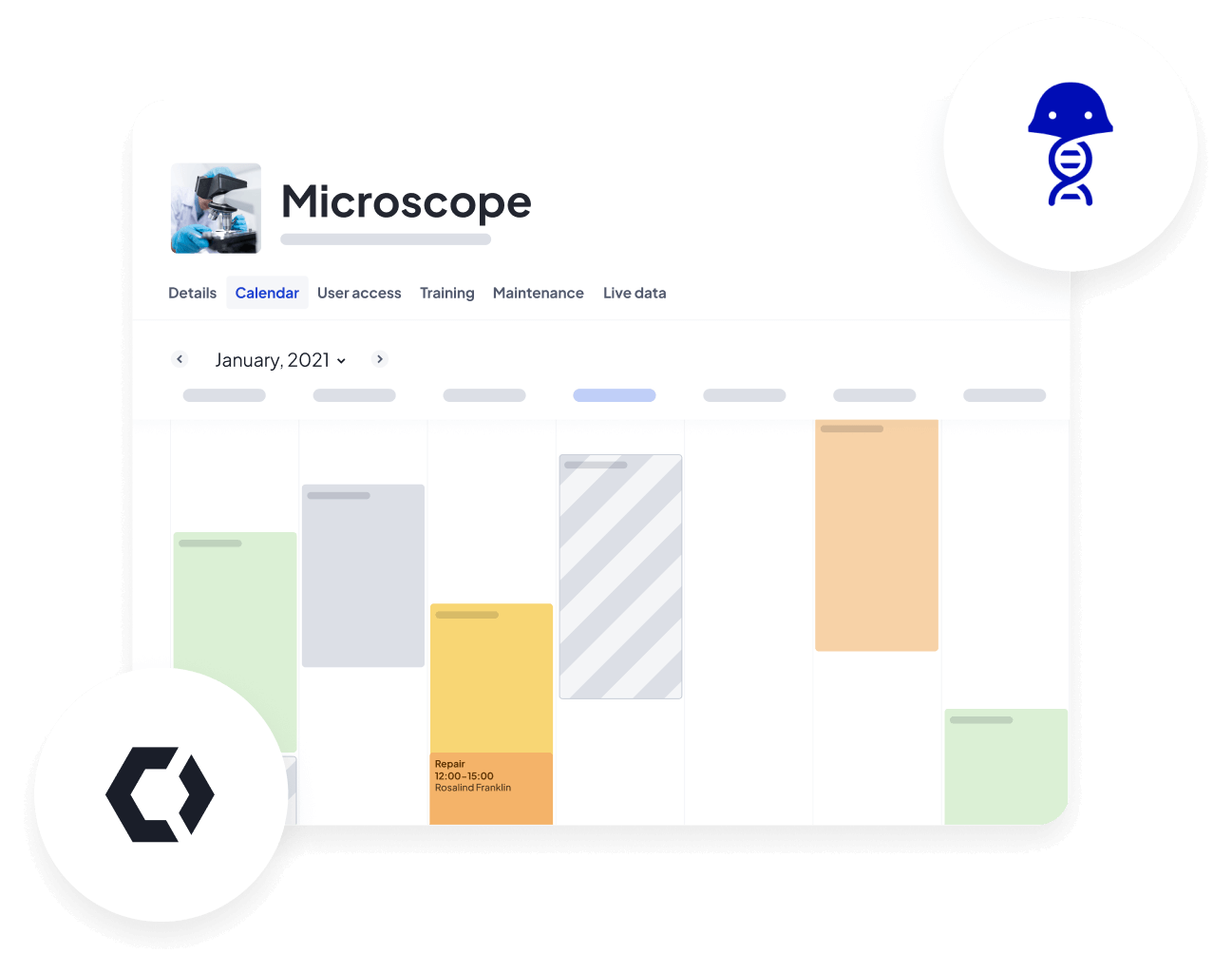
Enrich your experiment notes by connecting Calira with Benchling. Your equipment usage information (e.g. manufacturer, model, equipment settings) can now be recorded automatically in your Benchling Notebook, Registry and Workflows.
Benchling is a trusted and open platform for data, collaboration, and insights. More than 200,000 scientists rely on Benchling to modernize their scientific processes and accelerate collaboration, so they can bring the next generation of medicines, food, and materials to market faster.


Build a structured, searchable directory of your lab equipment and enrich it with metadata, location information, and purchase price.

Make availability clear to lab users, let teams book shared instruments with confidence, and avoid double bookings.

Give your team the visibility and control to reduce idle time and maximise usage across shared equipment.

Prevent downtime through visible maintenance tracking, safer access, and smarter user controls.

Make confident decisions with clean usage data so you can see what's being used, what isn't, where, and why.

Turn lab usage data into a structured foundation: exportable, filterable, and ready for integration with your ELN, AI, or BI platforms.

“We get an extremely granular view of how every piece of equipment is being used down to the exact minute.”


“Without it, we probably would have bought more kit than we really needed. Calira gave us the visibility to see where we could share or reallocate instead.”

“The most valuable aspect is the visibility among the users—knowing what’s available to book. From a LabOps perspective, it’s become our record management system for servicing, embedded into our SOPs.”

“Calira helped us improve our equipment usage and planning processes within our teams. It's also handy for me to have oversight of the utilization of our instruments.”


"Calira has improved the process of booking laboratory equipment in our R&D teams, created visibility across teams, improved insight into real time equipment status and allowed us to gather data for equipment usage with ease.”

"I haven't needed to log in in the last two weeks to sort anything out. Scheduling runs quite a lot smoother now."


The integration syncs equipment data between Calira and Benchling, then lets scientists book instruments directly from their Benchling Notebook, Registry, or Workflows. Equipment metadata (e.g. manufacturer, model, settings, and booking details) is automatically recorded alongside experiment notes, so there's no duplicate entry and no jumping between systems.
You'll need an active Calira Enterprise account subscription, an active Benchling tenant with the right feature settings enabled (Benchling apps, Global apps, App interactivity, and Developer console), and the Calira equipment data and scheduling app added to your Benchling tenant's collaborations list with admin rights.
This usually means a feature setting on your Benchling tenant hasn't been enabled yet. Check that Benchling apps, Global apps, App interactivity, and Developer console are all active in your tenant's feature settings. If they're not, you'll need to request them via Benchling support before the integration can connect.
Yes. If you already have an equipment schema configured in Benchling, you can reuse it rather than building a new one from scratch. This is useful for organisations that already track instruments in Benchling and want to layer scheduling and utilisation data on top.
Disconnecting removes the sync between the two systems. Existing equipment data stays in both platforms, but new bookings, metadata updates, and equipment records will stop flowing between them. You can reconnect at any time to resume the sync.

We know that every lab is different. Our team has years of experience in the lab and can answer any question you have and demo the whole platform in less than thirty minutes.